An AI WhatsApp Chatbot has become an essential tool for businesses that rely on WhatsApp to receive customers, answer questions, manage orders, provide support, and organize daily conversations. Customers no longer want to wait for hours to get a reply, and it no longer makes sense for teams to repeat the same answers all day to questions like: What is the price? How do I order? What are your working hours? Where is my order? Can I book an appointment?
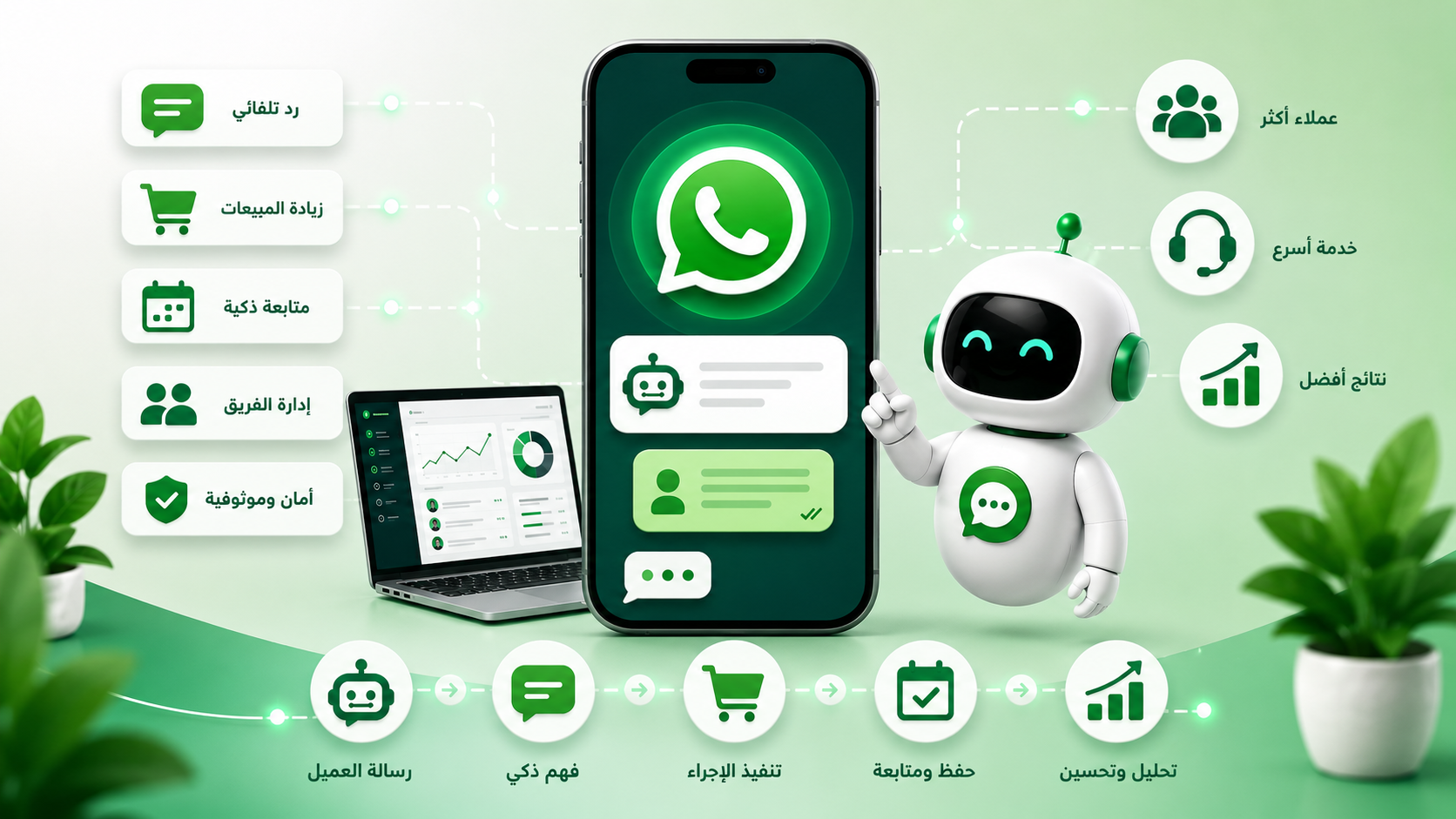
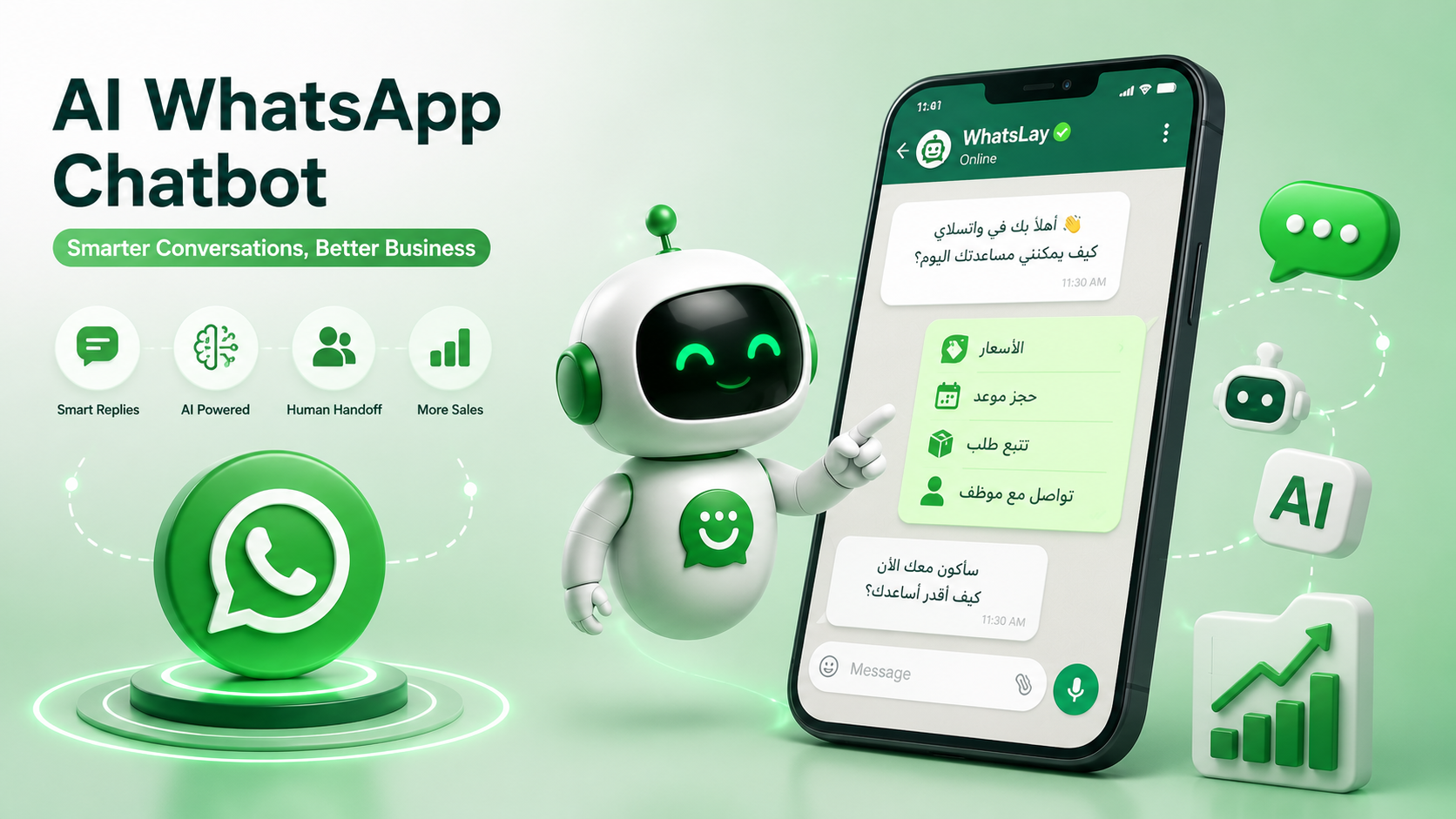
This is where an AI WhatsApp Chatbot becomes valuable. It does not only send a fixed response. It helps understand the customer’s message, identify the intent behind the question, provide a suitable answer, guide the customer to the next step, or hand the conversation over to an agent when human support is needed. With WhatsLay, WhatsApp can move from a crowded messaging app into an organized channel for sales, support, marketing, and follow-up.
This page explains how a smart WhatsApp Bot works, how it differs from a traditional menu-based bot, how it understands customer messages, when it should reply automatically, when it should transfer the conversation to a human agent, and how you can train the WhatsLay bot on your business data so it delivers accurate replies that match your brand voice.
What Is a WhatsApp Chatbot?#
A WhatsApp Chatbot is an automated conversation system that works inside WhatsApp to help customers access information or complete specific actions without requiring manual involvement every time. It can answer frequently asked questions, show options, collect customer data, send links, confirm orders, support bookings, or route customers to the right department.
The main idea is simple: the customer sends a message on WhatsApp, and the system handles it based on predefined settings. If the question is simple and repetitive, the bot can answer directly. If the question requires deeper understanding, artificial intelligence can analyze the text and identify the customer’s intent. If the customer needs human support, the conversation can be transferred to the right team member.
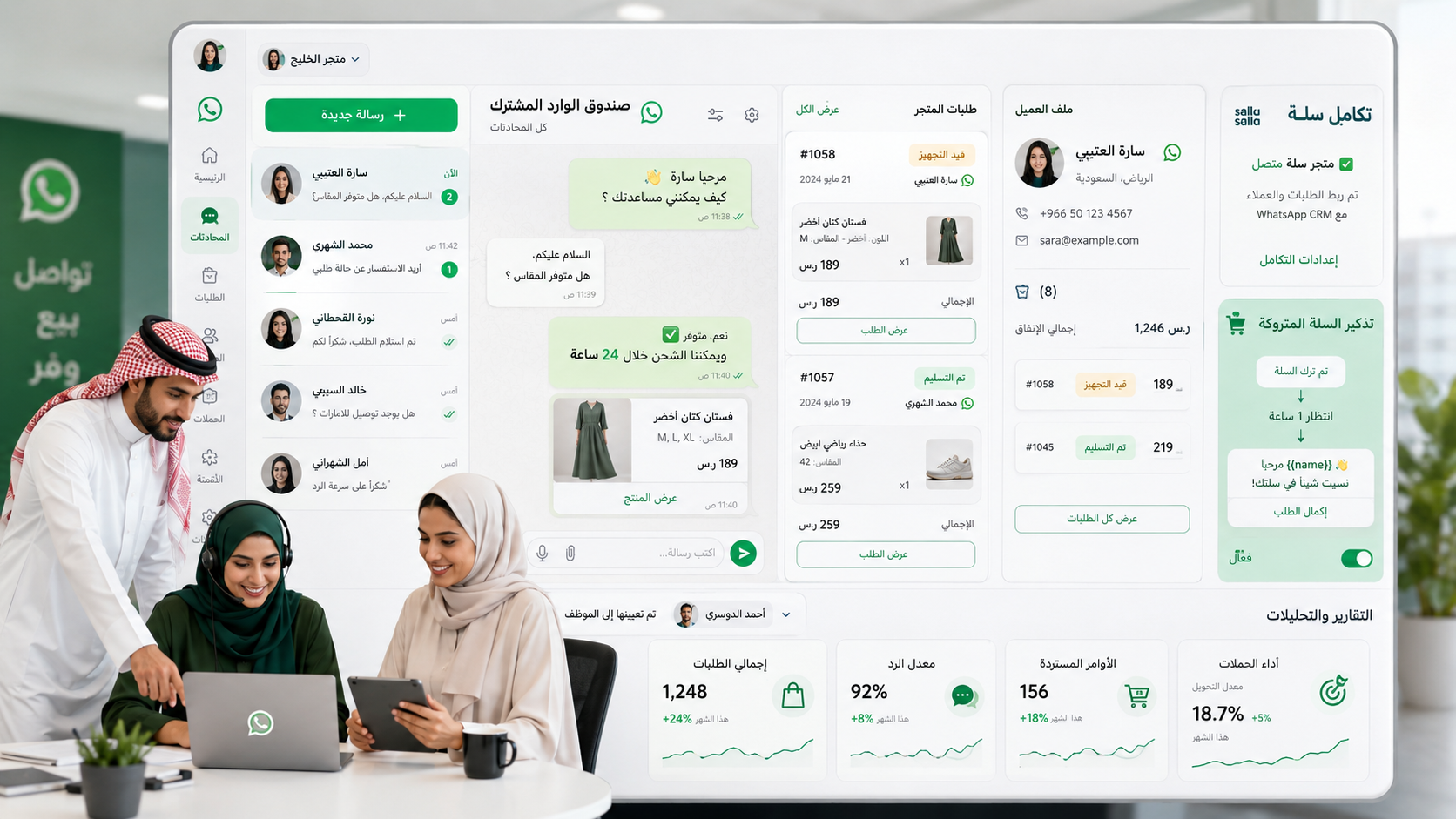
In WhatsLay, the WhatsApp Bot is not treated as a basic quick-reply tool. It is part of a larger system that includes WhatsApp Automation, the WhatsApp Shared Inbox, WhatsApp CRM, scheduled messages, reminders, campaigns, and integrations. This means the bot can become the starting point of a complete customer journey, not just a separate automatic reply.
For example, when a customer sends: “I want to know the plans,” the WhatsApp Chatbot can welcome them, show the available options, explain the difference between plans, send the pricing link, and ask whether the customer wants to try the platform or speak with the sales team. This creates a more organized experience, reduces waiting time, and helps the customer make a decision faster.
List Bot vs AI WhatsApp Chatbot#
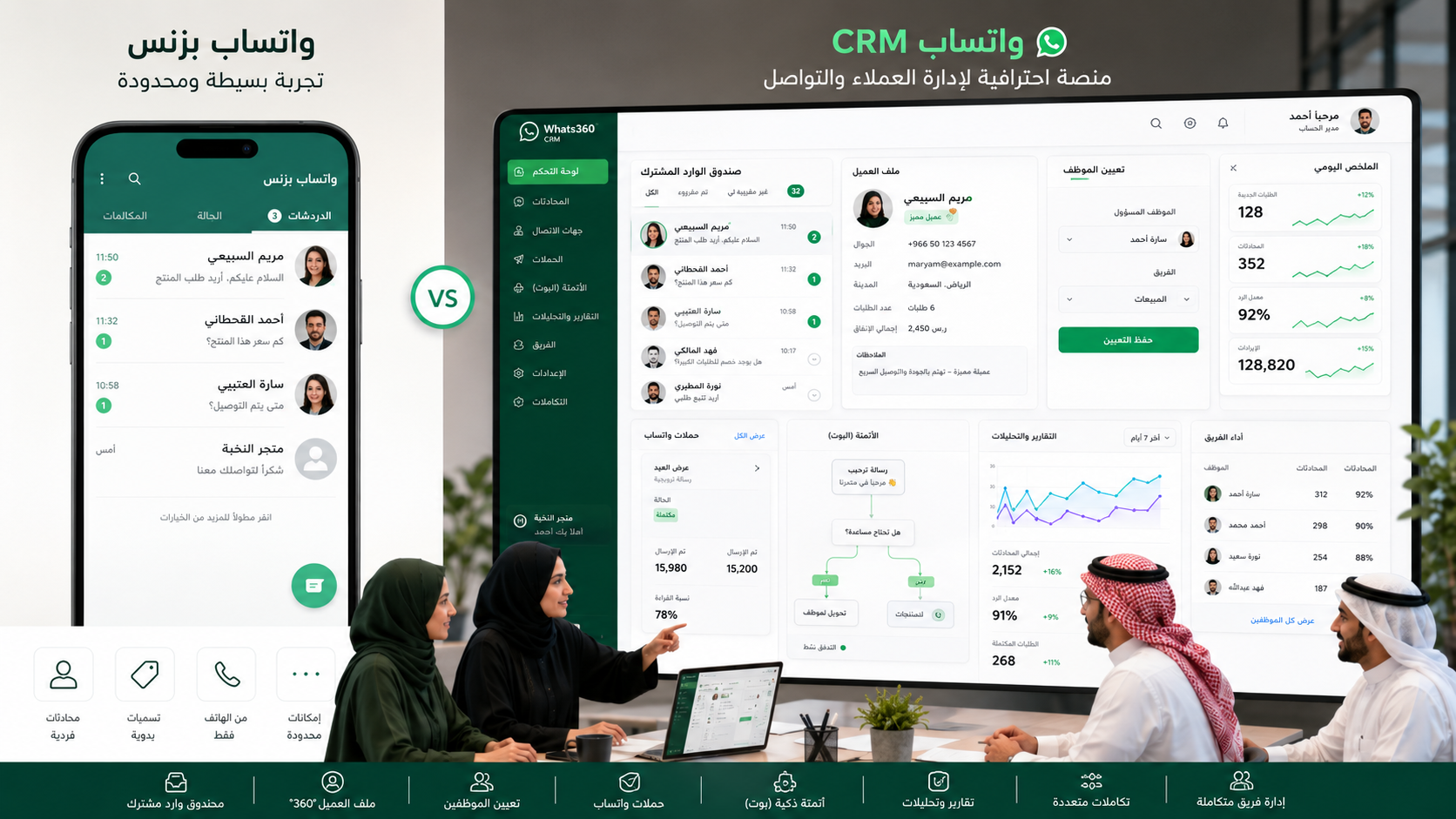
There is an important difference between a list-based bot and an AI WhatsApp Chatbot. A list bot usually depends on fixed options that the customer selects. For example: press 1 for pricing, press 2 for support, press 3 for booking. This type of bot is useful when the journey is clear and limited, but it becomes restricted when the customer writes a question in a different way or needs a more flexible answer.
An AI WhatsApp Chatbot handles messages more intelligently. It does not always wait for the customer to press a specific number. It tries to understand the meaning of the message. If the customer writes “How much does it cost?”, “What are your prices?”, or “Do you have monthly plans?”, all these messages usually point to one intent: pricing. The bot can understand that intent and provide the right answer.
A list bot is suitable for simple paths such as selecting a department or choosing a request type. An AI WhatsApp Bot is better for open questions, changing inquiries, smart support, customer intent understanding, and reply suggestions. In many cases, the best setup is to combine both: clear menus for important options, and AI for natural messages that customers write in their own words.
Through automation workflows in WhatsLay, businesses can build organized paths using lists and buttons, then support them with WhatsApp AI when the customer needs a flexible answer or when the message does not match a predefined option.
The practical difference appears in the customer experience. With a list bot, the customer may feel forced to follow a fixed path. With an AI WhatsApp Chatbot, the customer can write naturally and receive a reply that feels closer to a human agent, as long as the bot is trained on accurate information and controlled by clear boundaries that prevent uncertain or invented answers.
How Does It Understand the Customer?#
The more accurate question is not how the bot understands the customer, but how it understands the customer’s message. A customer may express the same request in many different ways. They may ask about pricing directly, use informal language, write an incomplete sentence, or combine multiple requests in one message. This is where artificial intelligence becomes important inside a WhatsApp Chatbot.
Smart understanding depends on several layers. The first layer is identifying related words and meanings, such as knowing that “price,” “plan,” “subscription,” and “cost” may belong to the same intent. The second layer is analyzing context, which means understanding whether the customer is asking before purchase, requesting support after purchase, trying to book an appointment, or looking for a specific link. The third layer is connecting the message with business data so the answer is not generic or unrelated to the service.
With WhatsLay, the bot can understand the customer’s intent and trigger the right action. If the intent is buying, the customer can be guided to a sales path. If the intent is support, the customer can enter a support path or be transferred to an agent. If the customer is asking for booking, they can be guided to appointment booking through WhatsApp. If the customer is asking about an order, they can be routed to a path related to order status updates.
This understanding does not mean the bot should answer everything. In fact, a professional bot must know its limits. If the question is outside the business data or requires human decision-making, the bot should say that clearly or transfer the conversation to an agent. For this reason, the bot should not be trained on general talk only. It should be trained on business information, policies, services, pricing, booking methods, ordering processes, and frequently asked questions.
When an AI WhatsApp Chatbot is designed this way, it can reduce repetition, speed up replies, improve the customer experience, and save the team’s time without removing the human touch or damaging trust.
When Should the Bot Reply and When Should It Hand Off to an Agent?#
The success of a WhatsApp Bot does not depend on replying to every message. It depends on knowing when to reply and when to stop. Some businesses make the common mistake of turning the bot into a barrier between the customer and the team. The result is frustration because the customer cannot reach a real person. The bot should support the team, not fully replace it.
The bot should reply automatically when the message is repetitive, clear, or connected to fixed information. Examples include working hours, general pricing, registration steps, order links, shipping policies, booking methods, or frequently asked questions. In these cases, automation is useful because it gives the customer an instant answer and saves the team’s time.
Human handoff becomes necessary when the case is sensitive, unclear, complex, or requires negotiation or a special decision. Examples include complaints, objections, special discount requests, technical issues, angry customers, complex inquiries, or serious buyers who are close to making a decision. In these cases, the bot should collect context and hand the conversation to the agent in an organized way.
With WhatsLay, the bot and human agents can work together through customer service management. The bot can welcome the customer, understand the request type, answer repetitive questions, add a customer tag, and then transfer the conversation to the right agent when human involvement is needed. The agent can then continue from the shared inbox while seeing the previous context instead of asking the customer to explain the issue again.
The practical rule is simple: let the bot handle what is repetitive, clear, automatable, and low-risk. Let the human agent handle what is sensitive, personal, complex, or directly connected to a buying decision. This gives customers the speed of automation and the flexibility of human support in the same experience.
Smart Reply Examples#
For a WhatsApp Chatbot to be effective, replies must be written in a natural and direct way. A smart reply is not only a correct answer. It is an answer that helps the customer move to the next step. The following examples can be used as a starting point inside the WhatsLay bot and customized based on your business type.
Welcome Message Example#
Customer message: Hello
Bot reply: Welcome to WhatsLay. We are happy to help you manage and automate your WhatsApp conversations. Would you like to learn about the features, pricing, free trial, or speak with our team?
Pricing Question Example#
Customer message: How much is the subscription?
Bot reply: Plans vary depending on your needs, number of users, and required automation level. You can view the plan details on the WhatsLay pricing page, and we can also help you choose the best plan for your business.
WhatsApp Chatbot Question Example#
Customer message: Can the bot reply instead of the employee?
Bot reply: Yes, the bot can automatically answer repeated questions such as pricing, working hours, links, and bookings. If the customer has a special question or a case that needs human support, the conversation can be transferred to the right agent.
Artificial Intelligence Question Example#
Customer message: Can AI understand customer questions?
Bot reply: AI can understand the intent behind the question and reply based on the business data it is trained on. The goal is to provide accurate answers that fit your services, not random or generic replies.
Agent Handoff Example#
Customer message: I have a problem with the connection and need help.
Bot reply: I understand. Your request needs support from the team. I will transfer this conversation to a specialist now, and they will see your message details to help you faster.
Follow-Up Example#
Bot message: We noticed that you were interested in trying WhatsLay. If your goal is to reduce response time and organize customer conversations, you can start here: try WhatsLay for free.
These examples show that smart replies are not about long answers. They depend on three elements: understanding the request, providing a clear answer, and suggesting the next step. These replies can also be connected with paths such as smart replies, WhatsApp auto replies, and automated follow-up to build a more complete experience.
How to Train the WhatsLay Bot on Your Business Data#
Training the WhatsLay bot on your business data is what makes the bot truly useful. An untrained WhatsApp Chatbot may give generic answers, while a bot trained on your data can reply according to your services, pricing, policies, brand voice, and team workflow.
The first step is to prepare your basic business information. This includes business description, services or products, plans, prices, working hours, shipping or return policies, booking methods, frequently asked questions, important links, and the phrases you want the bot to use or avoid. The clearer this information is, the better the bot’s answers become.
The second step is to organize information by use case. Sales information should be separate from support information. Booking information should be clear. Store policies should be written precisely. This helps the bot understand the question type and answer from the right section. It also helps prevent long or unrelated answers.
The third step is to define the bot’s boundaries. The bot should know when to say: “I do not have this information at the moment,” or “I will transfer you to the right agent.” These boundaries are important because they prevent uncertain replies and protect customer trust. A professional bot does not invent. It answers based on available data or transfers the conversation when needed.
The fourth step is to test the bot with real messages that look like your customers’ messages. Try questions in different styles: formal, short, informal, direct, and unclear. Watch how the bot replies, whether it understands the intent, and whether the answer fits the situation. Then improve the replies, add new questions, and remove any answer that may cause confusion.
The fifth step is to connect the bot with the rest of the WhatsLay system. When the bot understands that a customer is interested, it can add a tag through customer tags. When the customer needs follow-up, you can use reminder messages or scheduled messages. When the customer becomes a sales opportunity, you can manage them through customer tracking.
This way, the WhatsApp Chatbot is not just a robot that replies. It becomes part of a complete conversation operating system that helps receive customers, understand them, serve them, classify them, and follow up until the required result is achieved.
FAQ#
Is a WhatsApp Chatbot suitable for small businesses?#
Yes. A WhatsApp Chatbot is suitable for small businesses because it reduces repetitive replies and helps organize customer communication even with a small team. You can start with simple replies and improve the bot gradually as conversation volume grows.
Can a WhatsApp Bot work with artificial intelligence?#
Yes. AI can be used to understand customer intent and answer questions based on business data. However, it is better to control the AI with clear boundaries and reliable information to avoid inaccurate answers.
What is the difference between a WhatsApp Chatbot and an auto reply?#
An auto reply is usually a fixed message sent in a specific situation. A WhatsApp Chatbot can manage a complete conversation path, understand customer choices, collect data, route the conversation, and connect with agents or other systems.
Can the bot transfer the conversation to an agent?#
Yes. This is one of the most important parts of the experience. When the bot understands that the case needs human support, it can transfer the conversation to the right agent or department while keeping the conversation context.
Will customers feel they are talking to a robot?#
That depends on how the messages are prepared. If replies are long and dry, customers will notice. If messages are short, clear, and written in a natural tone, the experience will feel faster and more comfortable.
What information do I need to train the WhatsLay bot?#
You need to prepare your business description, services, prices, frequently asked questions, policies, important links, reply tone, and the cases where the customer should be transferred to an agent.
Can a WhatsApp Chatbot be connected with campaigns and marketing?#
Yes. The bot can be part of a wider marketing journey. It can receive customers from campaigns, classify them, answer their questions, and guide them to WhatsApp campaigns or follow-up paths based on their interest.
Can the bot be used only for customer support?#
It can be used for customer support, sales, booking, follow-up, order management, and welcoming new customers. The best approach is to define a clear goal for each path so the bot does not become too general.
Conclusion#
An AI WhatsApp Chatbot is no longer just an extra feature. It has become an important tool for any business that relies on WhatsApp to communicate with customers. It helps reply faster, understand questions, reduce repetition, guide customers, and transfer important cases to agents at the right time.
With WhatsLay, you can build a smart WhatsApp Bot connected to a complete system that includes automation, artificial intelligence, customer management, shared inbox, reminders, scheduled messages, and campaigns. The result is a more professional customer experience and a team that can focus on the most important conversations.
Start now by turning WhatsApp into a smart assistant that works with your team, not instead of it. You can create an account and try WhatsLay for free, or visit the WhatsLay contact page to get help building a WhatsApp Chatbot that fits your business.